Pwn the Tuya lightbulbs
These lightbulbs use the Tuya Cloud. So, once connected, they become a part of the **[Tuya ecosystem](https://auth.tuya.com)**....
These lightbulbs use the Tuya Cloud. So, once connected, they become a part of the Tuya ecosystem.
WARNING: The FCMILIA lightbulb at the end of this article is not CE compliant, potentially very dangerous. I will not install this s**tty device in my room (just my opinion).
1. The LYASI device
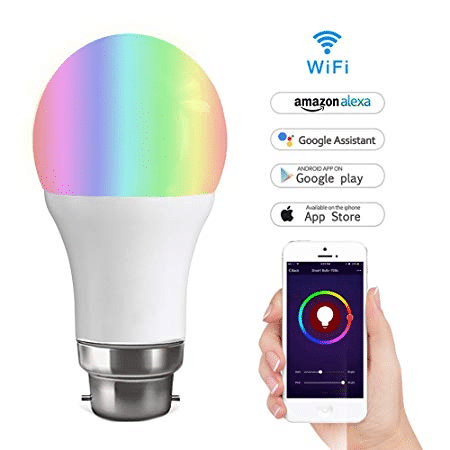
Wifi Smart Lyasi Multi-Coloured LED Bulb
Bought on Amazon 15 Euros. CE compliant (I insist).
I install the lightbulb, download and install the Smartlife app on an Android smartphone. My Wi-Fi password is transferred from the phone to the bulb:
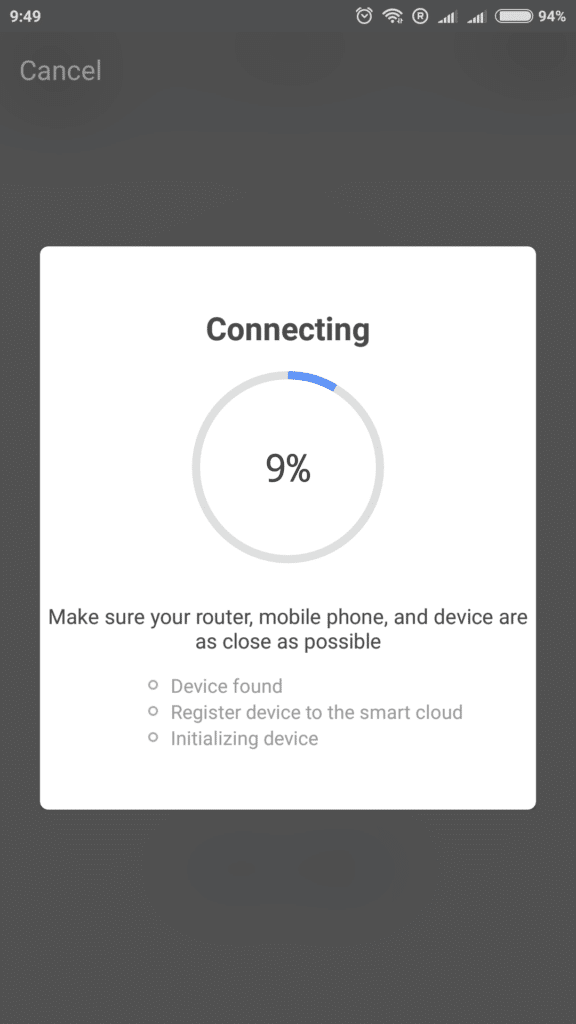
Connecting to the Cloud...
And there was Light. Here is the colour control panel:
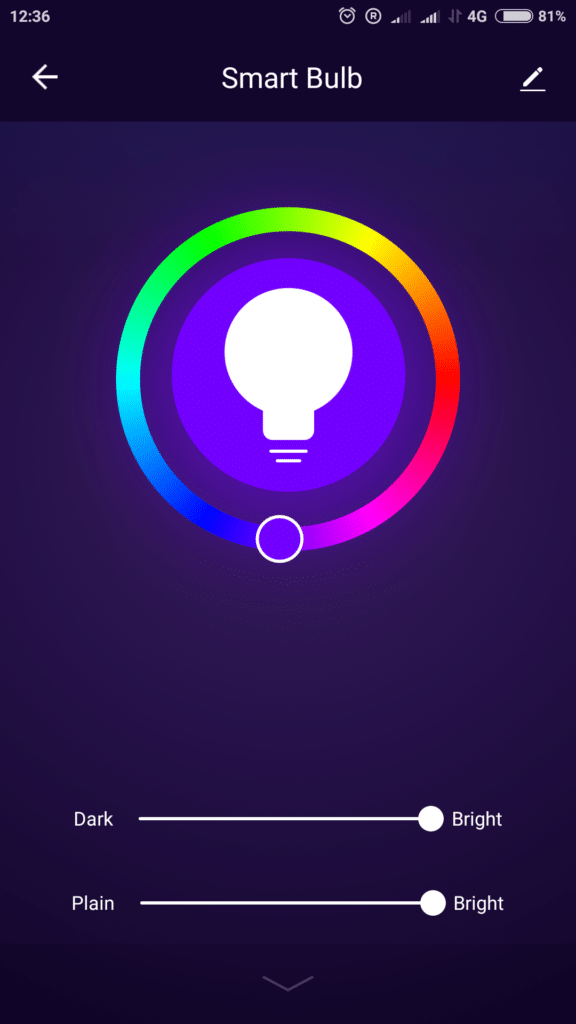
Light is controlled by the app, no problem.
It works nice.
1.1 The teardown
I removed the white cap and I unsolder the top of the LED PCB to access to the module:
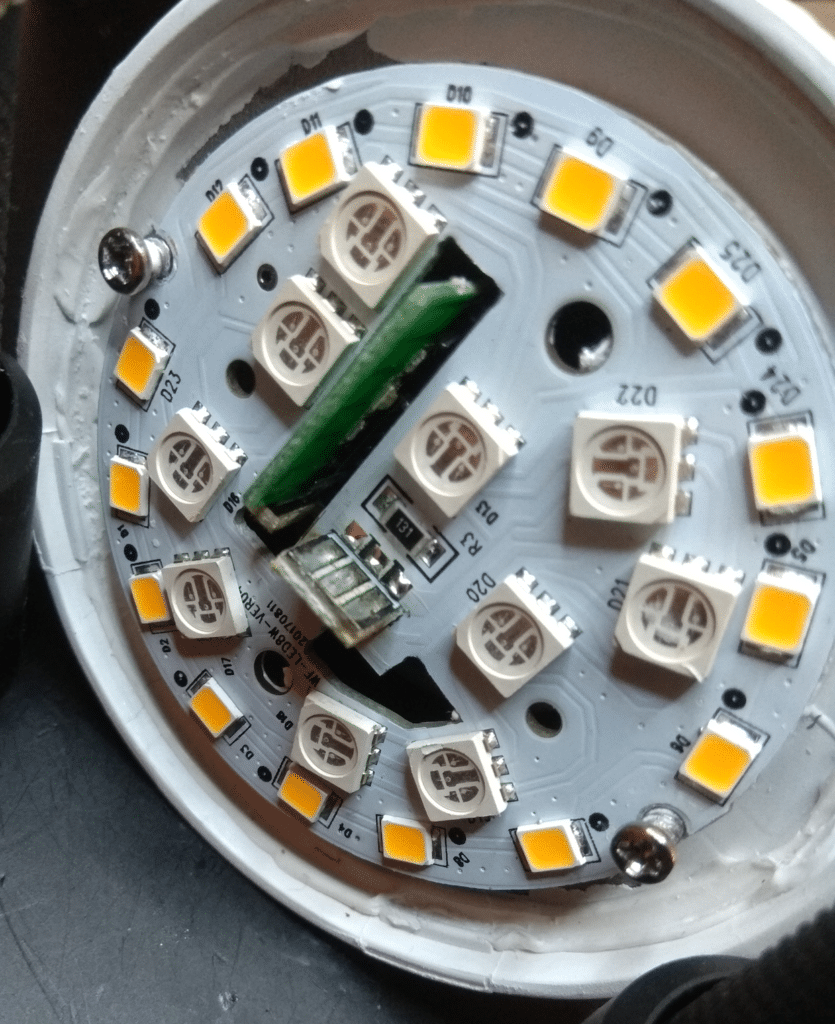
Desoldering the top LED PCB
Then I unsolder the Wi-Fi Module from AC/DC converter. Interesting to see this nice 90 degrees interconnected PCBs design:
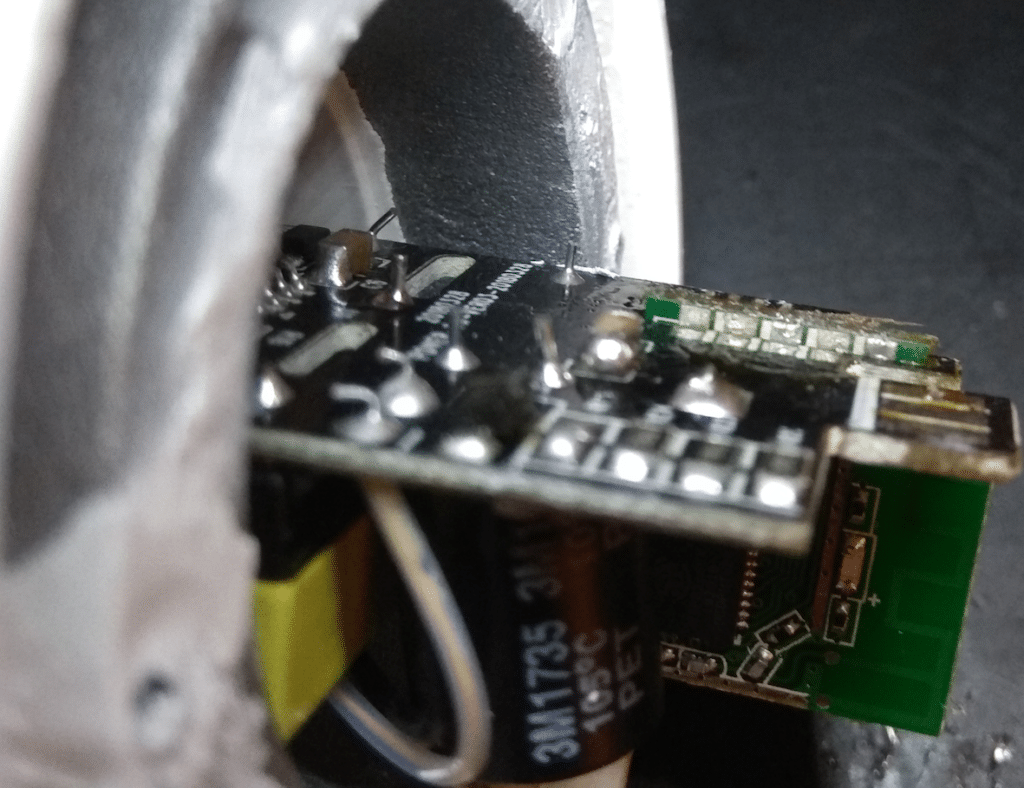
90 degrees soldering PCB (cool design :-))
Here is a zoom. Connections are on both side of the module:
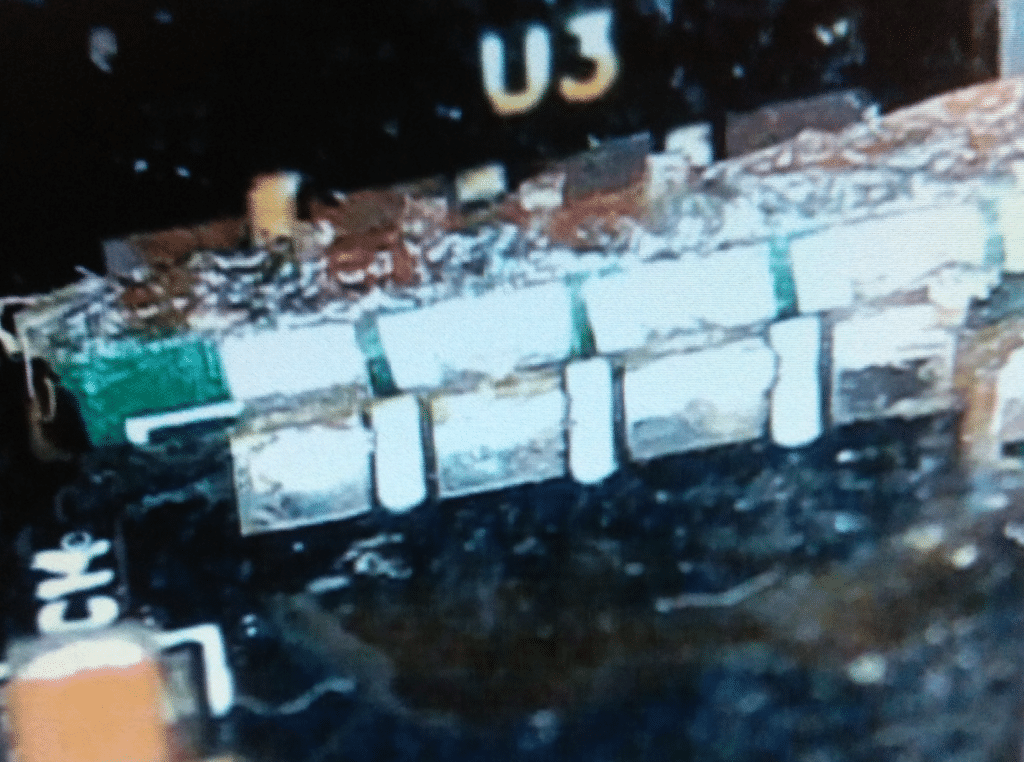
Under the binocular, finishing to unsolder the module
1.2 The setup
A little bit of PCB reverse is needed to retrieve the different connections of the ESP8266. Then, this ugly on-the-fly setup is achieved:
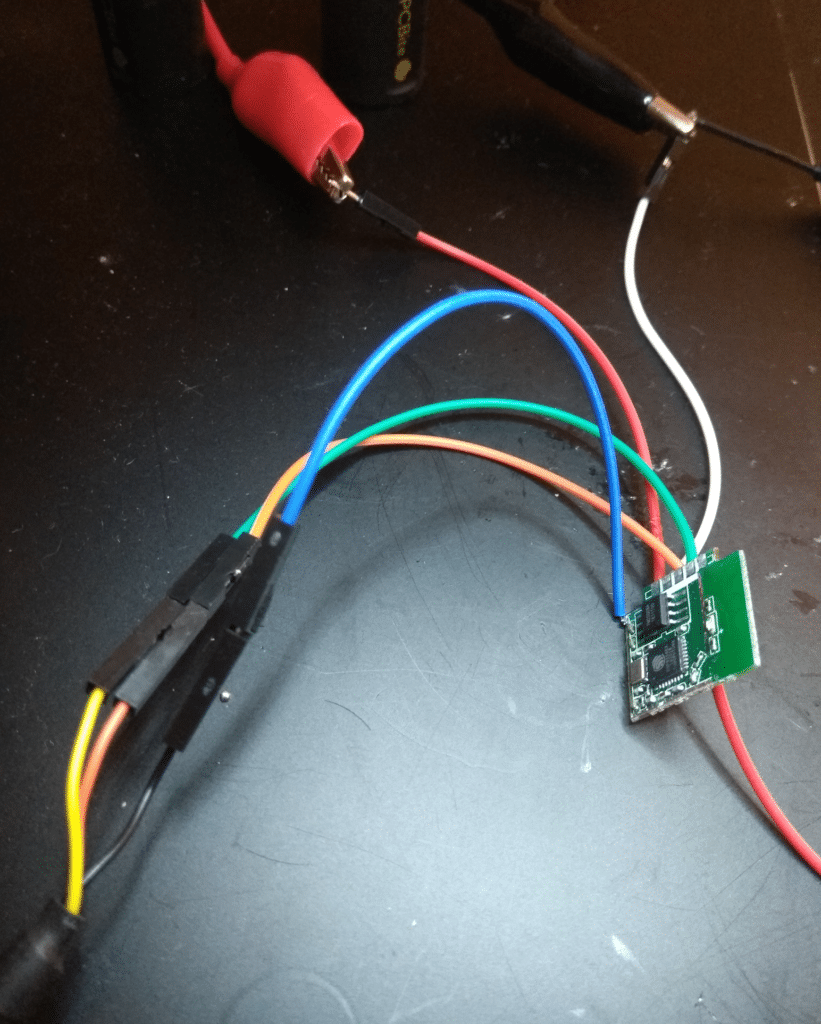
ESP8266 setup
UART TX, RX, GND on the lower left corner, 3.3V on the top, and a flying wire connected to IO0 to control the boot mode.
That's all.
1.3 UART log
To obtain log messages during the boot, I attach the COM port to the terminal Coolterm (74880 8N1). The baudrate is weird due to the 26MHz Quartz used by the ESP8266.
ets Jan  8 2013,rst cause:1, boot mode:(3,7)
load 0x40100000, len 1396, room 16
tail 4
chksum 0x89
load 0x3ffe8000, len 776, room 4
tail 4
chksum 0xe8
load 0x3ffe8308, len 540, room 4
tail 8
chksum 0xc0
csum 0xc0
2nd boot version : 1.4(b1)
  SPI Speed      : 40MHz
  SPI Mode       : QIO
  SPI Flash Size & Map: 8Mbit(512KB+512KB)
jump to run user1 @ 1000
OS SDK ver: 1.4.2(78f3caf) compiled @ Oct 23 2017 13:45:35
phy ver: 762, pp ver: 10.4
rf cal sector: 121
[notice]user_main.c:298 SDK version:1.4.2(78f3caf)
[notice]user_main.c:302 fireware info name:esp_color_light_xwx version:1.4.1
[notice]user_main.c:305 tuya sdk compiled at Sep 13 2018 01:02:51
[notice]user_main.c:307 BV:5.33 PV:2.1 LPV:3.1
reset reason: 0
epc1=0x00000000, epc2=0x00000000, epc3=0x00000000, excvaddr=0x00000000,depc=0x00000000
mode : sta(80:7d:3a:71:87:26)
add if0
[notice]gw_intf.c:251 Authorization success
scandone
state: 0 -> 2 (b0)
[notice]mqtt_client.c:450 gw wifi stat is:5
state: 2 -> 3 (0)
state: 3 -> 5 (10)
add 0
aid 6
pm open phy_2,type:2 0 0
cnt
connected with LIMITED_RESULTS_SSID, channel 6
dhcp client start…
ip:XXX.XXX.XXX.XXX,mask:255.255.255.0,gw:XXX.XXX.XXX.XXX
[notice]mqtt_client.c:450 gw wifi stat is:5
[notice]mqtt_client.c:484 DNS START 01-00 00:00:00
[notice]mqtt_client.c:517 who_fir:0 ip:18.185.221.201
[notice]mqtt_client.c:527 DNS END 01-00 00:00:00
[notice]mqtt_client.c:533 MQTT CONN START 01-00 00:00:00
[notice]mqtt_client.c:549 MQTT CONN END 01-00 00:00:00
[notice]mqtt_client.c:637 mqtt connect success
[notice]smart_wf_frame.c:3712 firmware self detect upgrade start…
[notice]tuya_httpc.c:3378 {"t":1541689479,"e":false,"success":true}
[err]timer_schema.c:514 ws_db_get_timer_posix op_ret:28
Interesting details about the boot process, the SDK version, the MQTT client connection... always helpful.
1.4 Dumping the firmware
ESP8266 is a little SoC from ESPRESSIF, pretty well documented thanks to open source community.
Datasheet is here and nice open source tools are here.
The download mode is set by grounding the IO0, as indicated in the datasheet:

Boot Mode depends on IO0
Dumping the flash is straightforward:
esptool.py -p /dev/ttyUSB0 -b 460800 read_flash 0 0x100000 flash_contents.bin
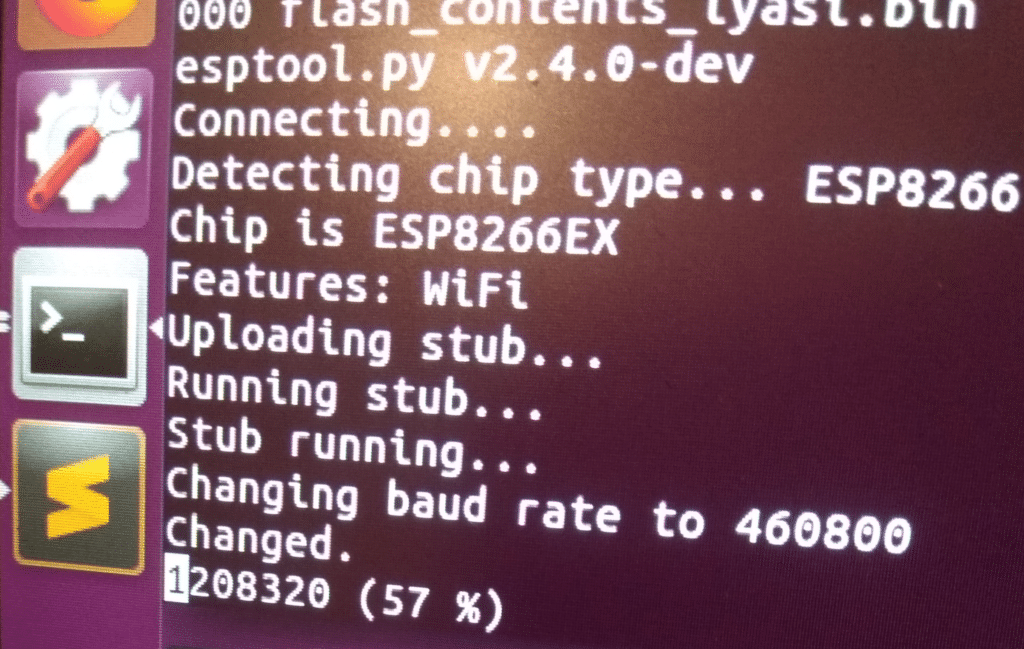
Dumping firmware...
1.5 Vulnerability n*1: Wi-Fi Password stored in plaintext
No comment. Classic on ESP8266 based devices.
1.6 Vulnerability n*2: DeviceID and Local key stored in plaintext too
More interesting, the deviceID and the LocalKey are also stored in Plaintext.
The deviceID is a 20 characters strings finishing by the MAC address of the device.
The local key is certainly requested to access to the Tuya Cloud.
A complete MQTT client is running inside this lightbulb.
Once the deviceID and the LocalKey are in your pocket, it allows you to control the device.
1.7 Reversing the firmware
ESP8266 is based on Tensilica Xtensa architecture.
I tried a dedicated plugin here, read some articles here and here.
A nice presentation here.
Special mention to this guy able to reverse the entire bootROM.
My IDA pro v7.0 was in trouble with this image. And I was in trouble too.
I did a little bit of reverse manually but too limited...
Big pain, no gain here.... I am out.
1.8 Reassembly the device
It consists to do the opposite of the teardown. Once done, I put the light back.
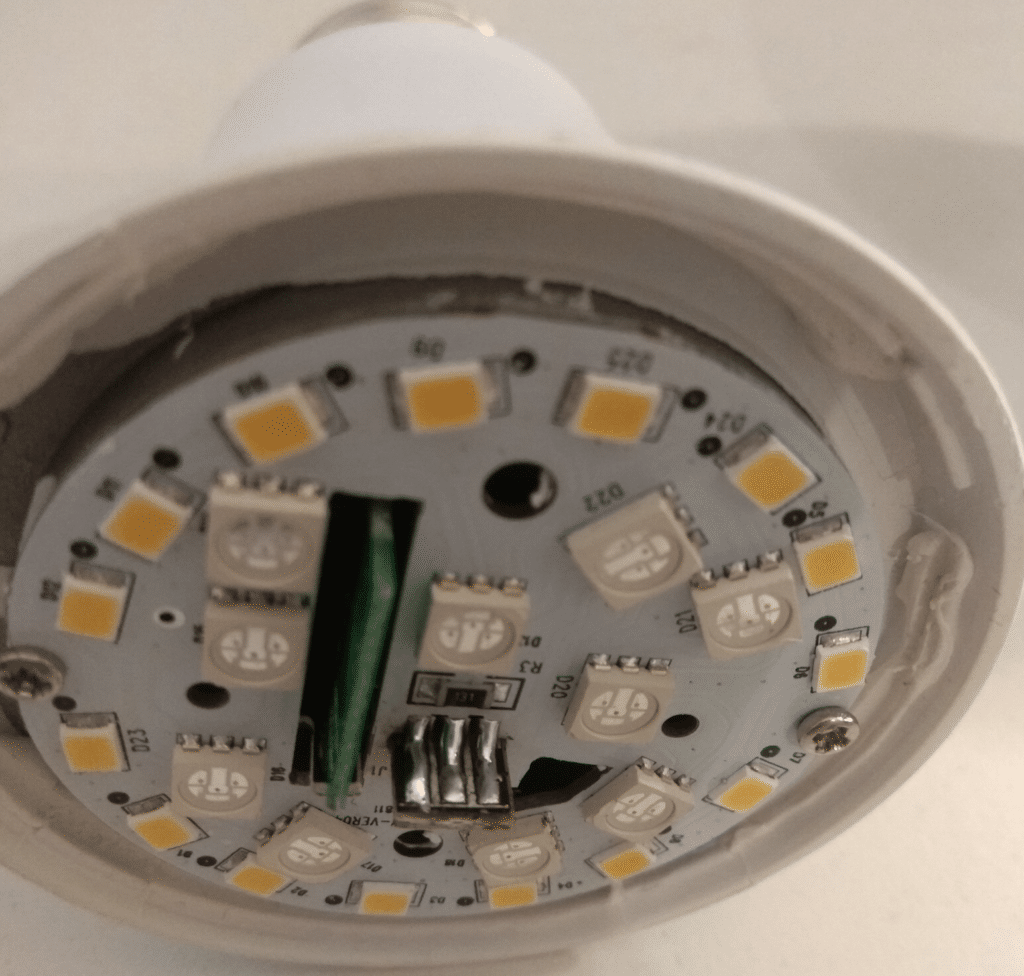
It should work...
1.9 The limited PoC
To control the device, I use the tuyapi repository and a node.js script with the retrieved deviceID, localKey, and lightbulb IP.
MQTT messages can be sent to the bulb over Wi-Fi. Here a little PoC to shut down the light, even when the app is open:
Time to sleep...
2. The Fcmila device
Bought on Aliexpress for 15 euros.
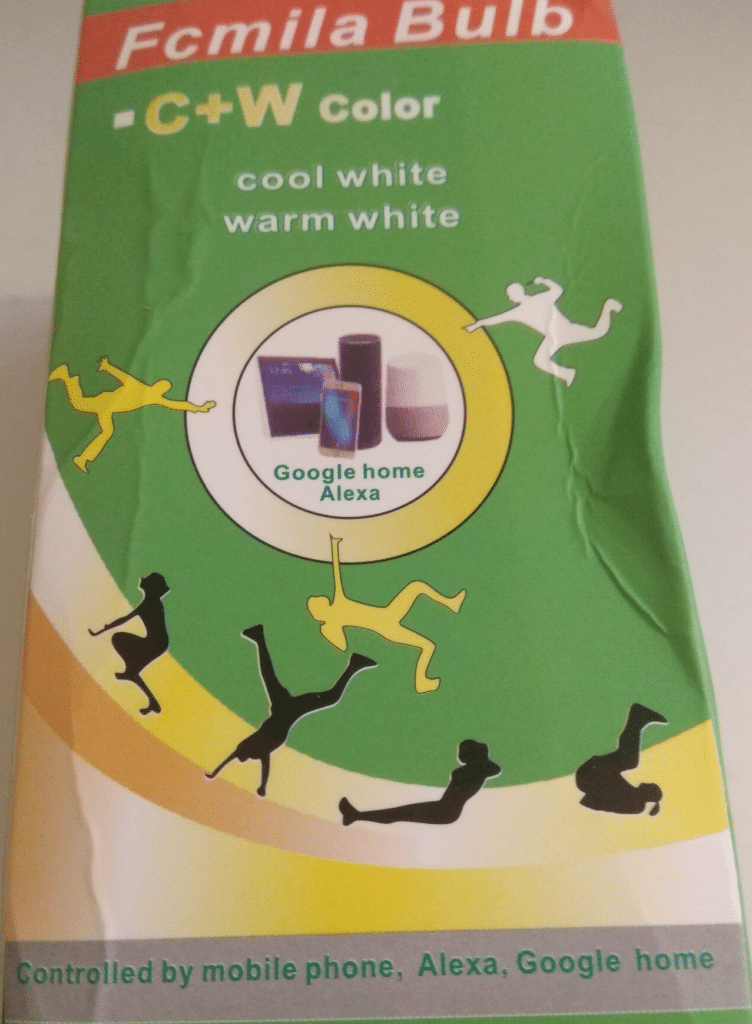
Fcmila Bulb. Box came damaged.
This device uses the same app Smartlife than the LYASI device.
Let's analyze it quickly.
2.1 The Teardown
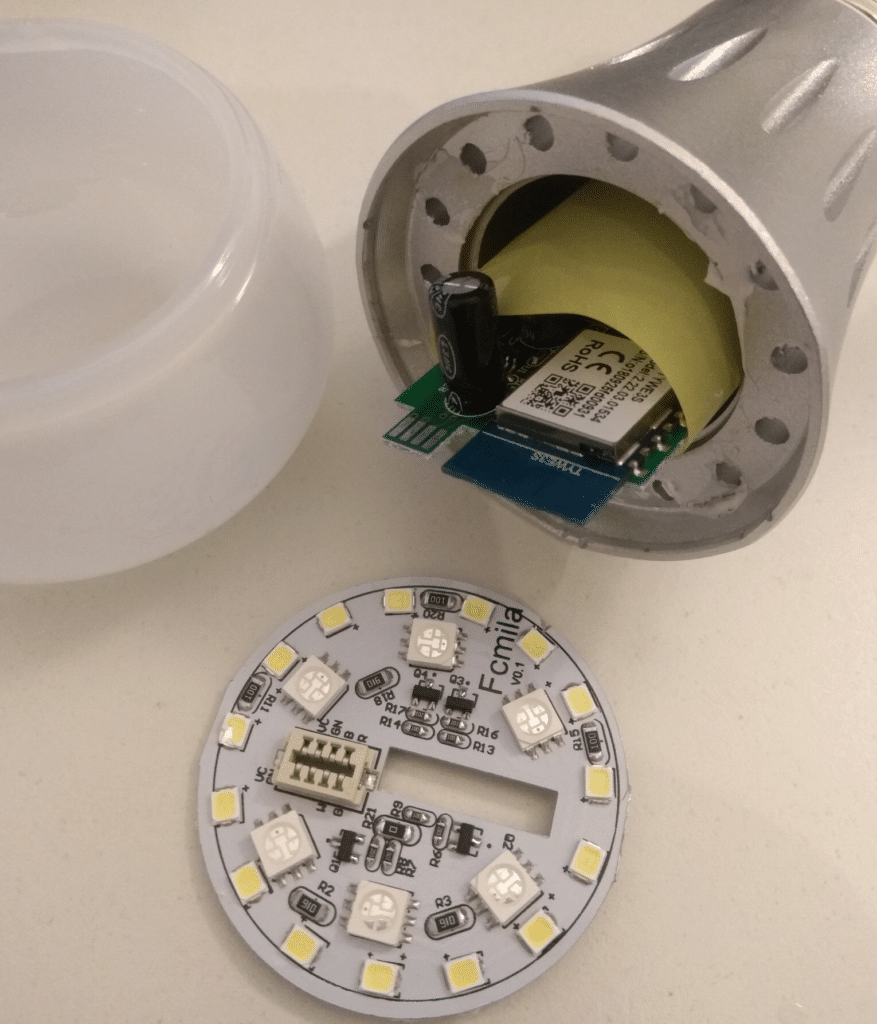
Paper Tape as insulator...dirty style
Top PCB can be easily removed (just glued).
Also based on ESP8266. The entire module is named TYWE3S.
The AC/DC converter is insulated with paper tape (like the one to close a carton box). The entire body (the grey one on the picture) encapsulating the electronic device is in metal (and it is conductive, I confirm with a multimeter).
Oh maaaan...I understand why this is not CE compliant.
2.2 Dumping the firmware
Same method. Same firmware. Same results. Firmware is 99% same than the previous device. The SDK version is the same**.**
OS SDK ver: 1.4.2(78f3caf) compiled @ Oct 23 2017 13:45:35
Here, it is interesting to see two different lightbulbs, having two different hardware designs based on the same SoC, and coming from two different manufacturers, embeds exactly the same firmware.
2.3 Conclusion
Really funny to imagine how the guys in charge can propose brown tape to insulate hazardous voltages during a meeting.... And QA, management... totally OK with that? So then, I can imagine what these guys think about security. :-0
Otherwise, these ESP8266 SoCs are low-cost, quite powerful, easy to program and benefit from an active open source community.
Reversing Xtensa is not an easy part...:-/